
A message received at 3:17 AM sometimes slips through even the most sophisticated anti-spam filters. A simple click on a link contained in an email is enough to launch a ransomware attack, even if the sender’s address seems familiar. Human error remains the main entry point for cyber threats, far ahead of technical vulnerabilities or weak passwords. Scams are constantly evolving, exploiting trust, distraction, or daily routines.
Why emails have become the preferred entry point for cybercriminals
Email has become the royal road for cyberattacks, whether for individuals or large companies. Interpol states that 70% of attacks targeting individuals and SMEs start with a phishing email. Behind the simplicity of an email lies relentless efficiency: a click on a attachment or a dubious URL link, and the trap closes, leading to ransomware, data theft, or espionage. Phishing exploits trust to divert personal data, impersonate identities, and seize confidential information.
Vulnerabilities are concentrated in the inbox: rarely verified senders, an avalanche of spam, trivialized exchanges, and diminished vigilance. Cybercriminals play on speed, habit, and pressure to push for mistakes. A professional email compromise generates an average loss of over 100,000 euros per case (ANSSI). When it comes to sensitive data, the stakes rise even higher: up to 4% of annual revenue can disappear, according to GDPR.
Attacks are becoming more sophisticated. Address spoofing, identity theft, ransomware that locks data: everything goes through the same door, email. Tools like Webmail44 are now structuring the response and enhancing the security of electronic exchanges, effectively limiting fraudulent emails. But the first line of defense remains the vigilance of each user, supported by appropriate technical protections.
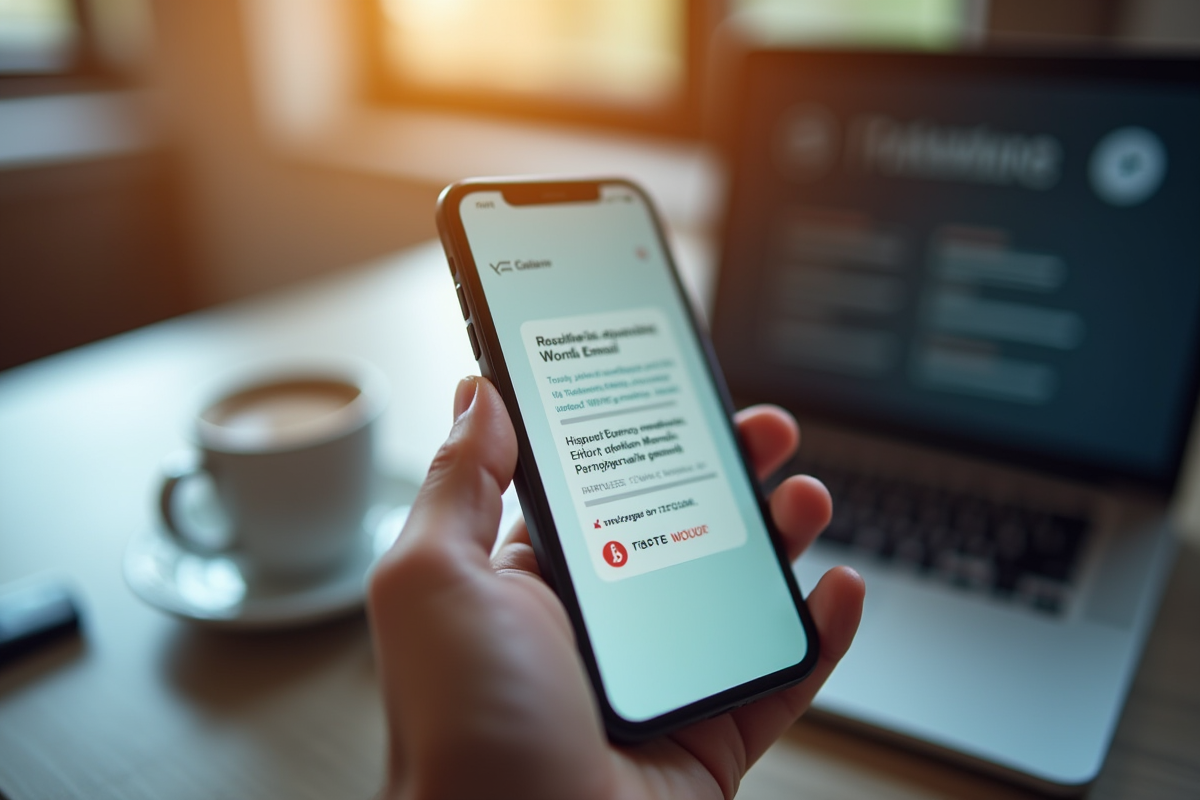
Simple reflexes that make all the difference against phishing risks and fraudulent emails
Taking the time to verify the sender before any action changes the game. A familiar name is not enough: examine the full address, spot any anomalies, small mistakes, or odd addresses. Cybercriminals rely on speed and habit. Slow down, even under pressure.
It’s not enough to avoid suspicious attachments: never open a file or link without certainty. Hover over the link, observe the actual site that appears at the bottom of the screen. A detail can betray the deception: a misplaced letter, a strange domain name, an unexpected path. For attachments, be wary of unusual extensions (.exe, .js, .scr…) or an unexpected file, even if it comes from a regular contact.
Some good practices can significantly enhance security on a daily basis:
- Enable multi-factor authentication (MFA) on every email account: this double-check stops over 99% of unauthorized access attempts (source: Microsoft).
- Ensure your antivirus and software are up to date. An outdated system leaves the door open for the installation of malware through unpatched vulnerabilities.
- Never neglect your network: prioritize secure connections. Public Wi-Fi, without protection, facilitates the interception of credentials and the compromise of emails.
- Create a unique and complex password for each service. A password manager makes this easier. Change them periodically.
The numbers speak for themselves: raising awareness and training users could prevent 80% of incidents (source: ANSSI). Digital security relies primarily on the attention of each individual. At the slightest doubt, report the email to your IT team or security; this reflex can stop the attack before it begins.
A simple moment of inattention can be costly, but a hint of vigilance often makes the difference. In the face of the ingenuity of attacks, staying alert remains the best weapon. Who will read their next email with fresh eyes?